
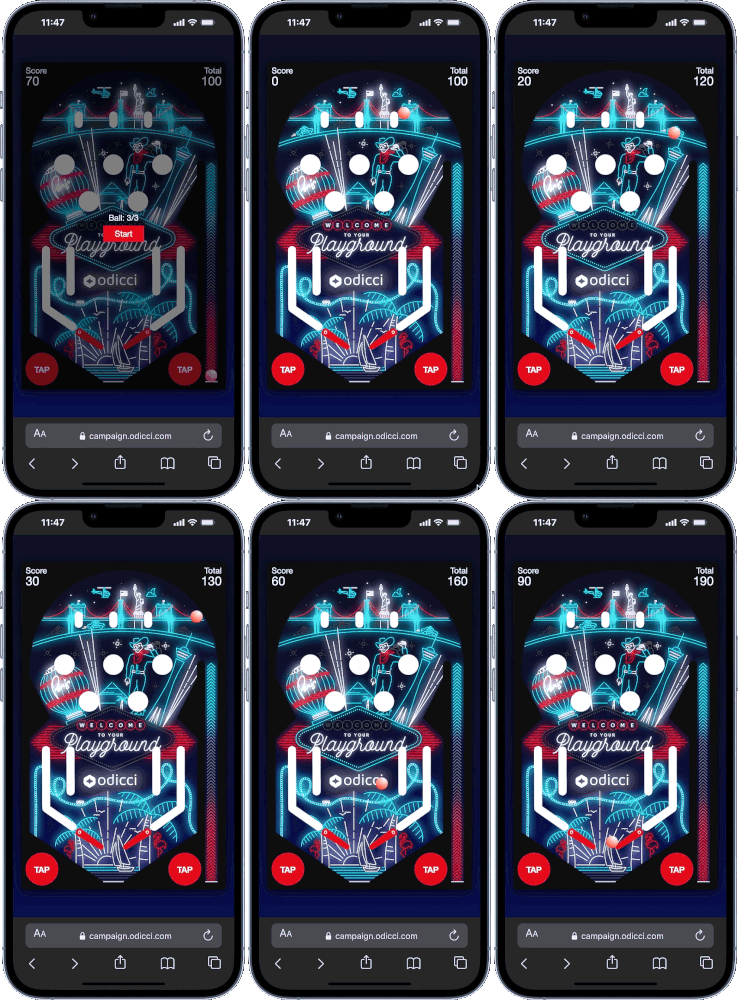
The Pinball Experience is a digital take on the arcade classic. By challenging users to hit targets and rack up points with their flippers, you create a competitive environment that is perfect for prize draws. It's a high-energy way to turn simple data capture into a memorable brand moment.
Journey Overview
- Step 1: The Launchpad - Choosing your creation path.
- Step 2: The Gateway - Building your data capture form.
- Step 3: The Arena - Customizing game mechanics and ball count.
- Step 4: The Hall of Fame - Setting up high scores and "play again" loops.
Step 1: The Launchpad (Setup)
To get started, log into your account and select 'Create a new Experience' from your home page.
.png?width=597&height=194&name=Frame%201490%20(1).png)
Step 2: The Gateway (Data Capture)
Before the game begins, you need to know who is playing.
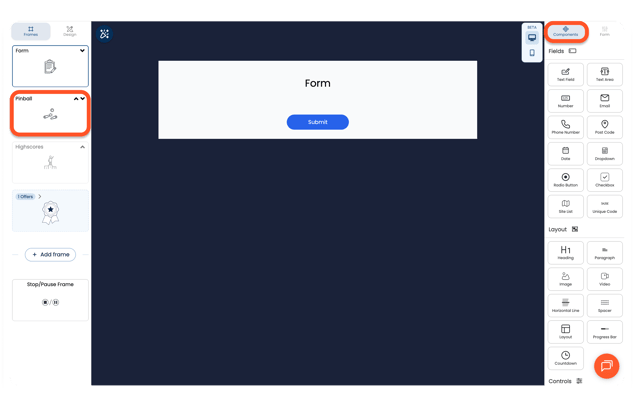
- The Form: Your first frame is the Data Capture form.
- Components: Drag and drop Field Components (like Email or Text fields) for data capture and Static Components (like Headings or Images) to match your brand.
Step 3: The Arena (Game Mechanics)
Now, it's time to build the game itself. Navigate to the Pinball frame to set the rules.
Game Options
Found in the 'Options' menu:
- Number of Balls: Choose between 1 and 5 balls per game to adjust difficulty.
- Clean UI: Use the 'Hide text on buttons' toggle for a more minimalist arcade look.
Styling
You can customize every pixel of the machine to fit your brand look.
Step 4: The Hall of Fame (High Scores & Replays)
You can set up your Highscores form using Static Components:
- The Leaderboard: The Highscores Frame has its own unique URL that you can access from the Frame.
- Navigation: On your End Frame, add a CTA button and set the link to the Highscores URL so players can check their rank.
- The Replay Loop: Want them to try again? Create a CTA button on the End Frame, select the 'Target Frame' tab, and choose the number corresponding to your Pinball Frame.