Memory Game is a classic cognitive challenge that does more than just entertain. It's a high-impact tool for boosting brand recall and capturing customer data by rewarding attention with engagement.
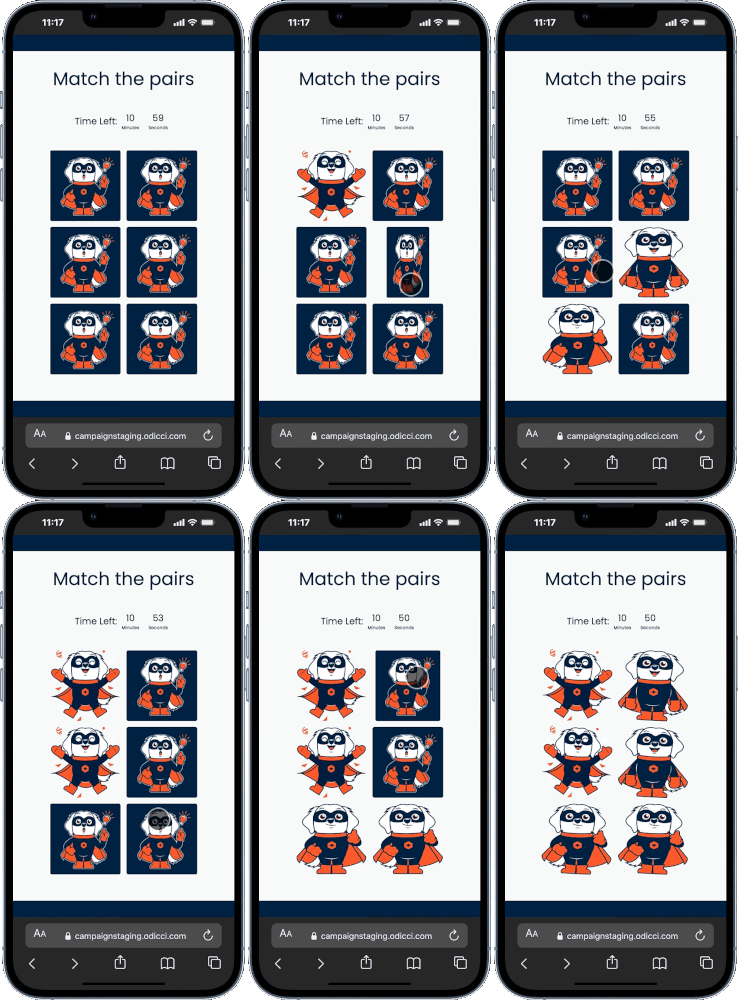
Journey Overview
- The Starting Line: Choosing between a blank canvas or a template.
- The Mechanics: Configuring pairs, timers, and animations.
- The Big Reveal: Publishing to your website or social media.
Step 1: Choosing your Path
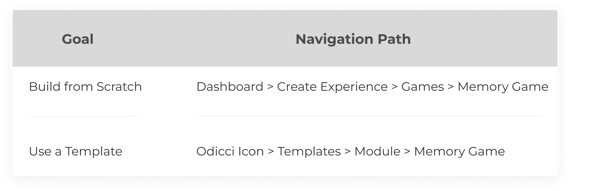
You have two ways to bring your game to life: You can start with a blank canvas or browse our Template Library for pre-designed modules that match your brand’s industry, saving you time on layout and styling.
Select the method that best fits your workflow:
Step 2: Configuring the Mechanics (The Studio)
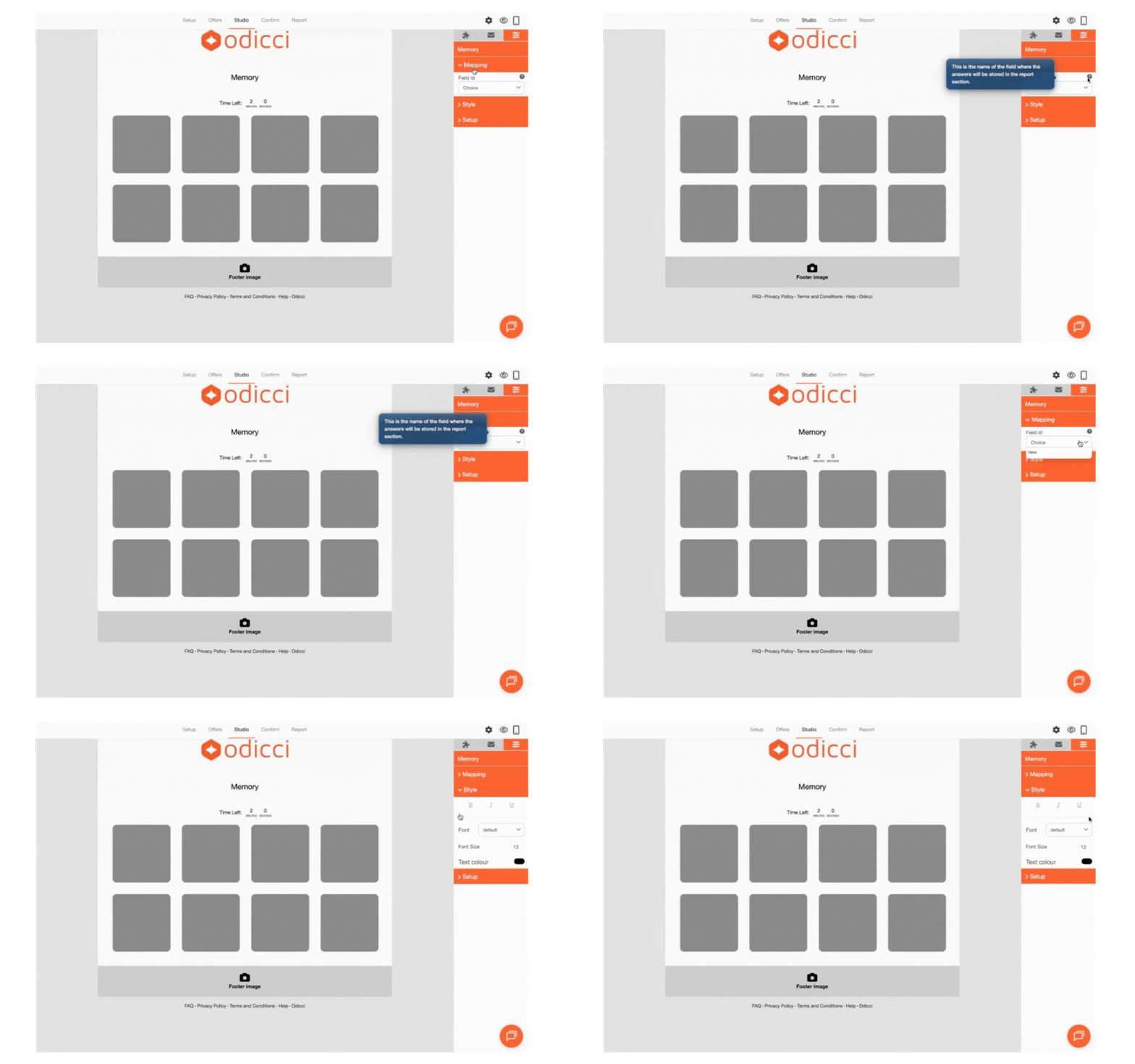
Once you enter the Studio, you’ll find all game-specific settings in the Right Navigation Pane.
Setup
This is where the "magic" of the memory challenge happens:
- Number of Pairs: Choose between 3 to 8 pairs to adjust the game's difficulty.
- Cover Image: Upload the image that appears on the back of every card when they are closed.
- Game Images: These are the unique images your customers will try to match.
- Winner Animation: Toggle this on to trigger a celebratory animation once all pairs are successfully found.
.png?width=157&height=561&name=Frame%201493%20(1).png)
Timing Features
Want to make it more competitive? Enable these timing features:
- Enable Timer: Add a countdown (in minutes) to push players to think fast.
- Time Over Message: Customize the text your players see if they don’t finish before the clock runs out.
- Auto Next Frame: Enable this to automatically move players to the next section after a set number of seconds.

Styling and Mapping
- Text Styling: Use the Style menu to customize fonts and formatting to match your brand's digital presence.
- Field Mapping: Assign a unique Field ID in the Mapping section. This ensures that every completed game is correctly stored in your reporting dashboard for data analysis.
Step 5: Going Live
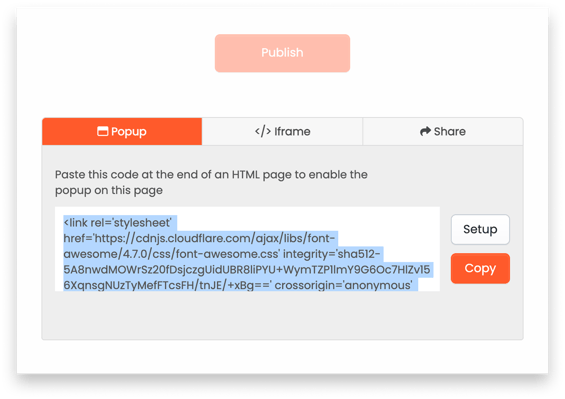
Once your build is finalized, head to the Confirm screen to publish your experience. You’ll find easy-to-use codes to embed your game anywhere:
- Pop-up: For your website's main landing pages.
- Iframe: For seamless integration into existing site content.
- Facebook: To drive engagement directly on social media.