
Ready to give your audience a spin? The Jackpot is a high-engagement tool designed to capture customer data during live events or via on-pack QR codes. It turns the simple act of data entry into a rewarding game of chance that keeps users coming back for that winning feeling.
Note: This guide focuses specifically on the set-up for the Jackpot. For general setup and offer configuration, see our Design Your First Experience guide.
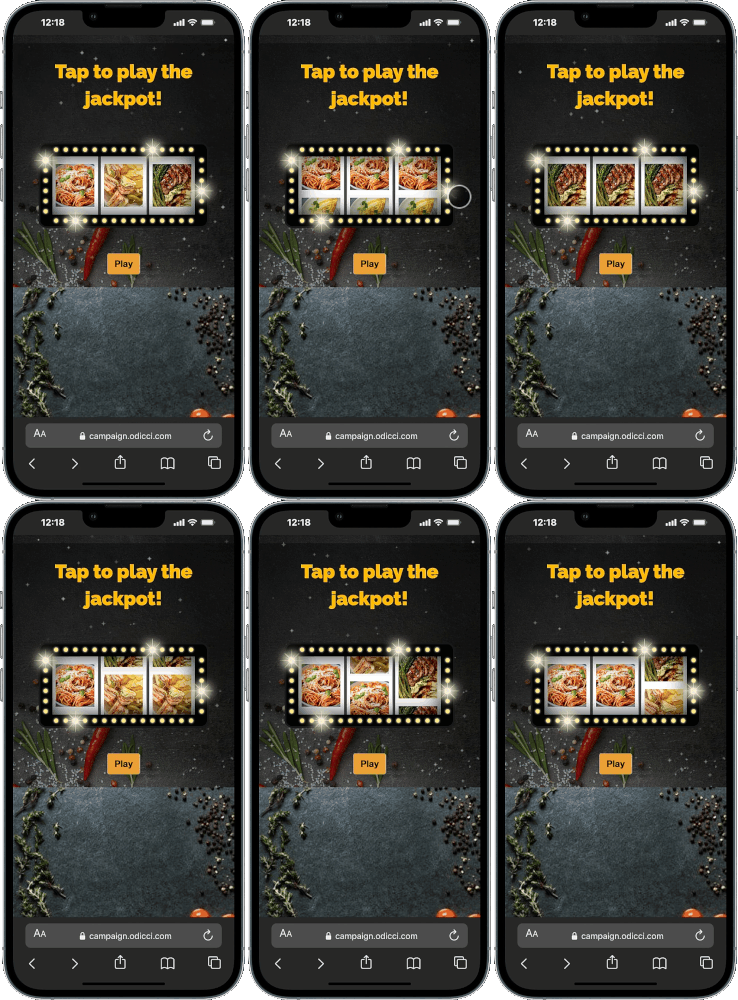
Journey Overview
Step 1: The Setup
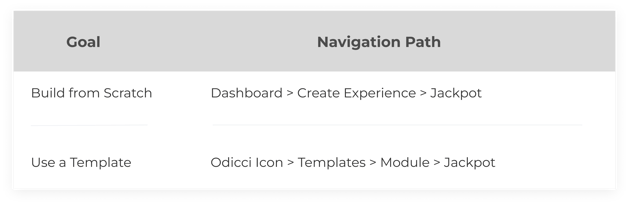
To begin building your very own Jackpot experience, select your creation path:
Step 2: Studio Customization
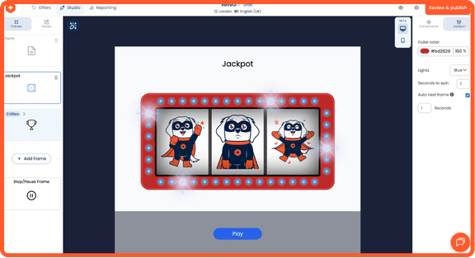
Clicking on the jackpot area opens the Jackpot settings panel on the right. Use these tools to fine-tune the interaction:
- Offer Images: Upload the images that will be used in the jackpot wheels (you must have at least 3 offers)
- Look and feel: Choose which colour you'd like the lights to be and format teh frame color to match your guidelines.
- Auto Next Frame: Check this box if you want to automatically redirect the user to the next frame after the reveal.
Step 3: Connecting the Rewards
Your game is a gateway to your offers, which are managed in the Offers page:
- Offer Management: Add at least three rewards.
- Visuals & Alerts: Assign a notification email and a specific offer image to each reward. These images are what users see when they successfully tap to reveal their win (optional).
Step 4: Going Live
Once your build is finalized, head to the Confirm screen to launch:
Publishing: Access ready-to-use codes for Pop-ups and Iframes to place your experience wherever your customers are.