If Odicci has a pre-built integration with your ESP, we would always suggest sending all email communication via that ESP using the integration. Details of our integrations can be found here.
Getting started
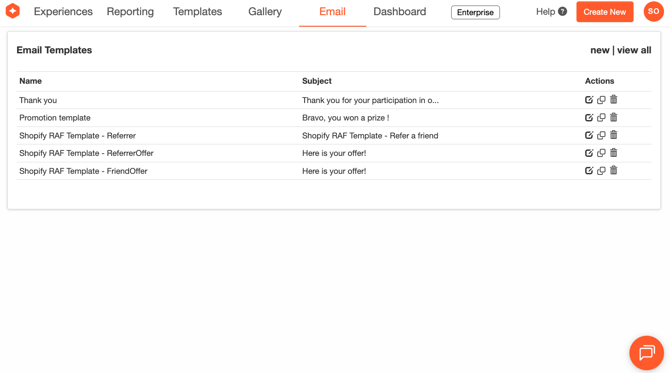
Email templates can be created in Odicci to notify customers when they win an offer. It makes use of Odicci's integrated ESP. Select 'Email' from the top menu and click 'new' on the top right-hand side to begin creating a template.
You can now choose whether to build an email from scratch or use an email template. Selecting 'From Scratch' will allow you to copy and paste HTML directly into the template.
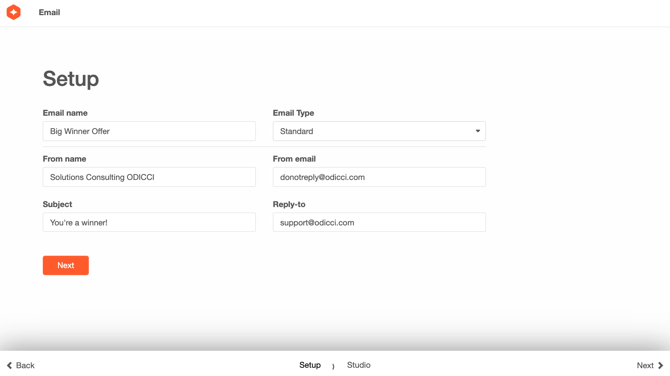
Each choice will then take you to an interface to set some essentials for you email.
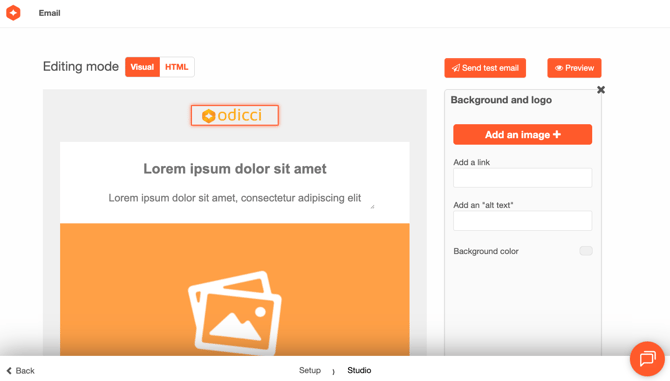
If using a pre-built template, you can easily customise items within it such as imagery and text using the editor.
Preview and Testing
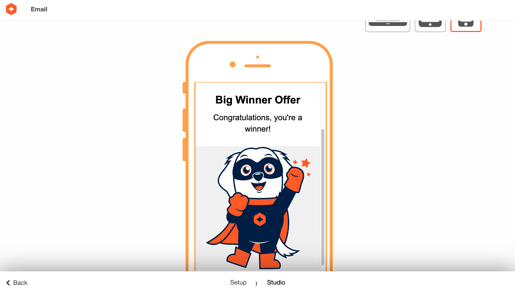
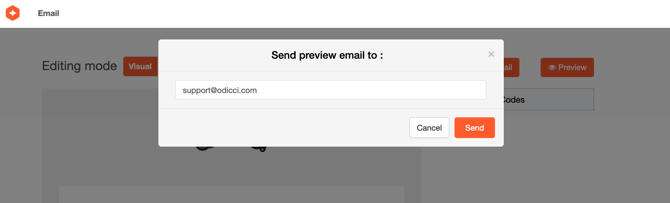
When you've finished creating your email, you can preview it across different device types or send a test email to yourself to check the styling.