
How to add confetti?
Once you have created your experience and have begun configuring your offers, you add a confetti effect for each offer. From the dropdown list you can choose from a number of preset options or choose custom.
If using custom confetti, you can add up to three of your own images. For the best results, we suggest using SVG filetypes or PNGs.
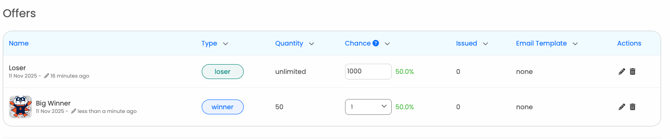
Select your offer and then scroll down to enable confetti.
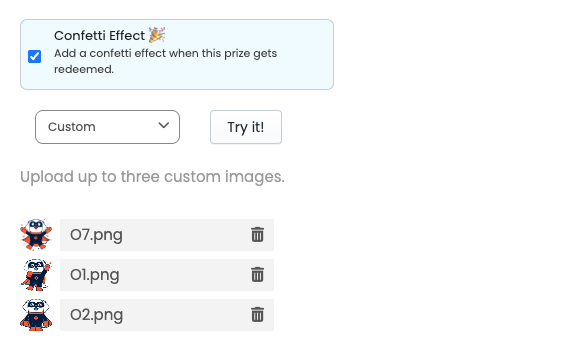
The confetti effect is available for all types of experiences apart from the Survey.